
Traffic Court Records in Oscoda County
Most traffic cases in Oscoda County begin at the 81st District Court. The case history there can list the citation reference, the alleged violation, your response, docket events, the next hearing, money owed, and the final outcome. Keep one caution in mind. This is the record of a single court matter. It is not a full account of every driving event in Michigan.
Routing matters too. Misdemeanor record questions go to District Court, while felony questions go to Central Filing. The ticket itself can name a different venue. The court printed on it is always the first fact to check. Use the court field in MiCOURT to make sure a result truly belongs to the Oscoda County traffic case you want.
81st District Court Is the Oscoda County Traffic Record Starting Point
The 81st District Court sits at 105 S. Court Street, Mio, MI 48647. Its public phone is 989-826-1105. The magistrate line is 989-826-1106. This court handles civil infractions and traffic misdemeanors. It also takes felony traffic cases through their preliminary stage before any bindover.
A call works well for confirming a setting. It also helps with a case missing from the online docket, or with asking where a record request should go. Knowing the address is not enough, since the same location serves several court functions, so identify the right division first. Staff can confirm the destination and copy type before you mail a traffic request.
Oscoda County Traffic Ticket: Use the Citation Number First
The citation number is your fastest narrowing field. It ties the paper ticket straight to the court's case details. If you do not have it, search by last name or business name, then narrow with first name, middle name, birth year, and the correct court. Never pick a result just because the name matches. Check the case number, court, case type, and filing date. Only then should you trust it.
| Traffic lookup field | How it helps | What to verify |
|---|---|---|
| Ticket or citation number | Links the citation to the case detail or a dedicated ticket field. | Confirm the court and the displayed year or type. |
| Case number | Most precise MiCOURT route when printed on a notice. | Enter the returned Year / Number / Type components as MiCOURT displays them. |
| Party name | Fallback when the ticket number is unavailable. | Compare first or middle name and court. Do not publish a full date of birth. |
| Status and next event | Shows the current court record timeline where published. | A status date is not necessarily the citation date or a final outcome. |
How to Look Up a Traffic Ticket
MiCOURT offers free public case-history lookup online. Choose the 81st District Court location for the usual Oscoda County starting point. One limit matters: MiCOURT is not the official record and may not show every document. When the online result falls short, take the next step with the local court or the official court-records request channel.
- Read the citation or notice for the court name, case number, ticket or citation number, and response or appearance information.
- Open MiCOURT Case Search and select the appropriate Oscoda County court location.
- Use Year, Number, and Type for a case-number search, or search by name and narrow the returned cases carefully.
- Open the matching case and review the charge, ticket field, dated docket history, next event, disposition, and receipt entries separately.
- If the citation is not posted or the result is uncertain, call 81st District Court at 989-826-1105 or the magistrate at 989-826-1106.
- For a document or older record, use the court counter or submit a focused request through Oscoda County Trial Courts NextRequest.
Oscoda County Traffic Records: Civil, Misdemeanor, or Felony
Traffic is not one docket category. A civil infraction follows the civil-infraction process. A misdemeanor traffic allegation moves through District Court as a criminal matter. A felony traffic charge starts in the felony process. If bound over, it lands in the 23rd Circuit Court record. Parking and ordinance matters can also carry their own category when the court record labels them that way.
The classification shapes what the case history holds and which clerk you should call. A civil-infraction response is not a misdemeanor arraignment. After a bindover, do not look for the felony record only in District Court results. Read the type and each charge-level outcome. Only then draw any conclusion from an Oscoda County traffic record.
Finding Your Traffic Court Date
For a civil infraction, the citation is the summons. So the ticket or a later notice is your first source for a response or appearance date. A MiCOURT case detail can display the next event plus dated history, and the Court Display offers a daily snapshot with party name, time, room, and case number. A calendar row is handy for confirmation. It is not the full case file, though, and it cannot replace the latest notice.
| Citation or case number | Use the ticket reference or MiCOURT’s returned Year / Number / Type information to avoid a name-only match. |
|---|---|
| Court | Usually 81st District Court for an Oscoda County traffic matter, unless the citation names a different venue. |
| Date and time | Read the next-event field together with the latest dated register entry and notice. |
| Room or location | Use the current Court Display or court confirmation when a public calendar row provides it. |
| Status | Read the entry text for a continuance, result, default, dismissal, or other disposition. A bare status is not a full explanation. |
Oscoda County Traffic Court Response Choices Under MCR 4.101
MCR 4.101 describes the civil-infraction response paths: admission without explanation, admission with explanation, or denial. The rule permits appropriate in-person, represented, videoconference, or mail routes, but a telephone call is not the ordinary substitute for a court appearance. The response instructions on the actual citation and later notice control the local deadline.
The official MCR 4.101 material is the source for the statewide civil-infraction procedure.
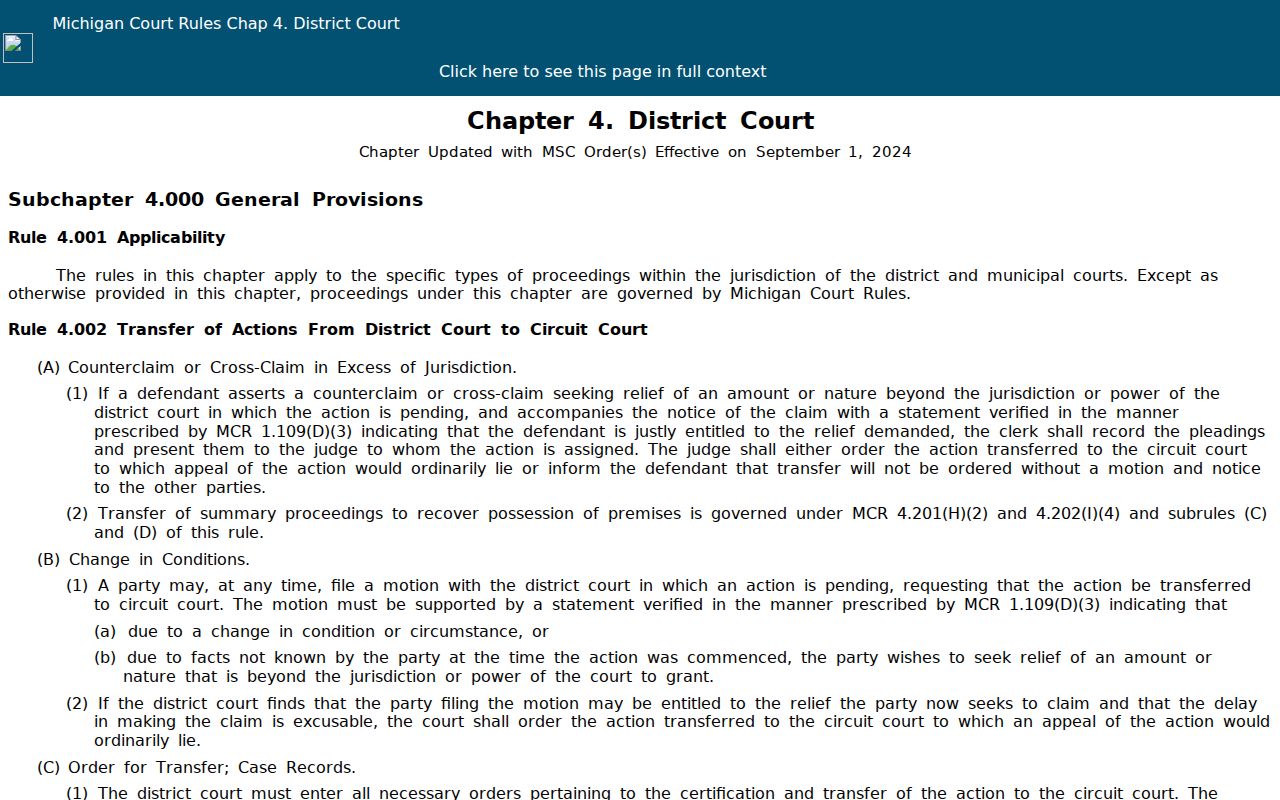
An Oscoda County traffic court record tells its story in sequence. Read the response entry, the hearing setting, and the final outcome together rather than inferring anything from the citation alone.
Oscoda County Traffic Court Date Fields to Confirm
Once you find the case, set the next-event block beside the newest dated docket entry. Stale settings linger. After the court continues, adjourns, waives, cancels, or resets an event, the old date can still sit in the history. Trust the ladder in this order. The citation or signed order comes first. Then come the latest case entry and next event, then the clerk or scheduling contact, and finally a public calendar snapshot.
Oscoda County publishes no standalone daily docket PDF. So when a date looks close, unclear, or missing from the public view, skip the stale calendar. Call 81st District Court. A quick call gets you a date or instructions. It does not count as a traffic-court appearance, though, so plan accordingly.
Paying or Contesting a Ticket
What the court file records matters more than any assumption about payment. For a civil infraction, MCR 4.101 spells out three responses. A person can admit, admit with an explanation, or deny. Denial sends you down the hearing path stated by the rule and the case notice. Whatever you choose, work from the deadline on the citation. Contact the court for instructions that fit your case.
| Admission or payment route | Denial route |
|---|---|
| The court record can show an admission, financial assessment, receipt, and disposition where those fields are public. | The court record can show a denial, hearing setting, later result, and any final disposition. |
| Use the citation and court notice for the response deadline and accepted local method. | Use the citation and court notice for the response deadline and the hearing instructions. |
| Confirm payment with a receipt or the court, not only an amount-due field in an online result. | Read subsequent entries for a held, adjourned, continued, or reset hearing. |
Missed response or court date: A required response or appearance can result in default and the notices required by Michigan rule and vehicle law. The actual citation and notice control. For a missed appearance, default, warrant, or license-notice question, call 81st District Court at 989-826-1105 or the magistrate line at 989-826-1106 before calculating a deadline.
Oscoda County Traffic Payment Channels and Receipt Checks
Check the Oscoda County court FAQ before you pay. It lists cash, money orders, and certified checks as accepted payments. Personal checks are not accepted. For cards, the FAQ names AllPaid as the District Court channel, with code 1520. The card service charges a fee of its own. Keep the citation or case number with your receipt. Review the receipt or financial entry on the case where one shows up.
Michigan eCourts PayTix is the state payment landing page for participating courts. The page also warns that an outage does not extend a due date. Confirm with the court first. Treat PayTix as the local route for 81st District Court in Oscoda only then.
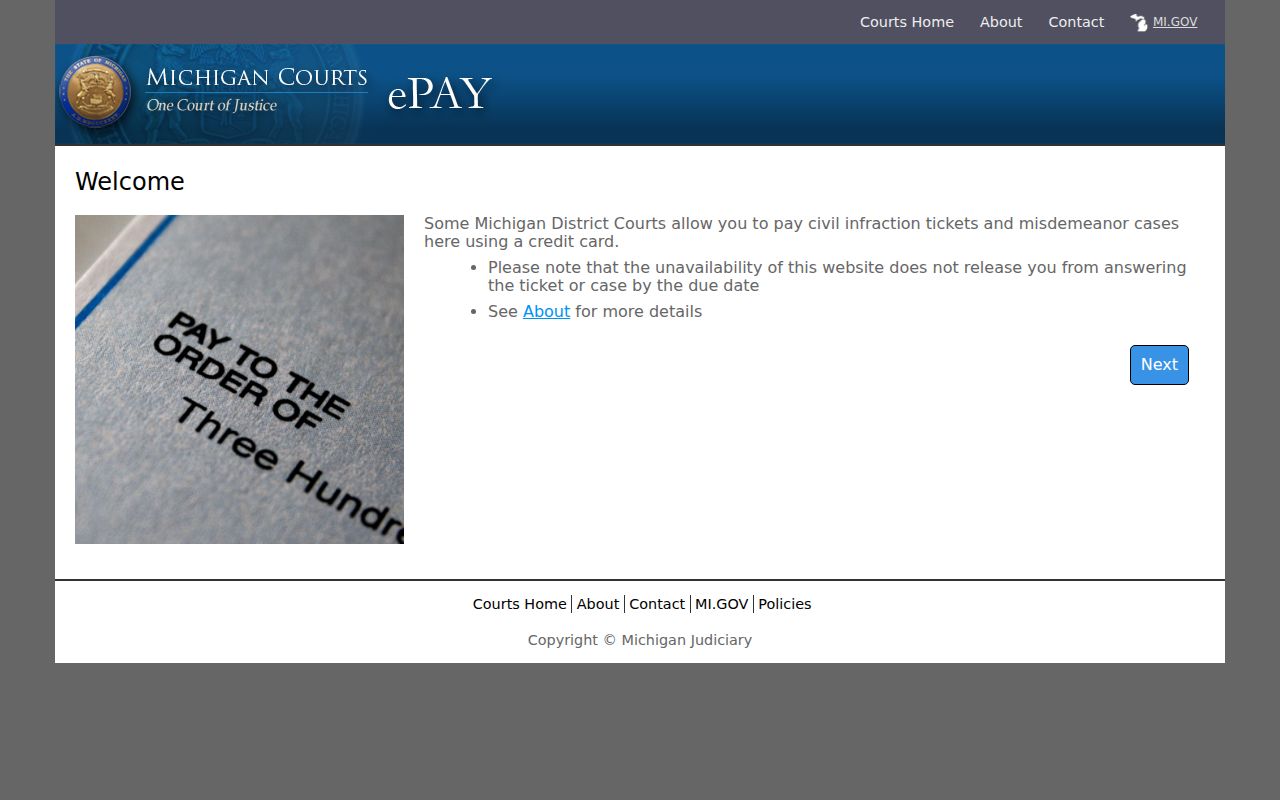
The state payment page describes that statewide option. For any particular case, the local Oscoda County traffic record and the District Court's instructions still govern how you pay.
Court Traffic Record vs Driver Record
Two offices hold two separate records. The Oscoda County court file answers questions about the citation, the allegation, your response, the hearing, the order, the receipt, and the disposition. The Michigan Secretary of State keeps a different file. It holds the driving record, built from court-reported convictions and other driver information. Neither one substitutes for the other when the question concerns a specific court case.
| Oscoda County court traffic record | Michigan driving record | |
|---|---|---|
| Custodian | 81st District Court for the usual local traffic case, or Central Filing after a qualifying felony transfer. | Michigan Secretary of State. |
| Primary content | Citation, charge, docket history, hearing, response, judgment, payment, and court documents. | Court-reported convictions and other statewide driver information. |
| Proper request | MiCOURT for public case history, followed by the court or NextRequest for an official local file or copy. | The Secretary of State’s own driving-record process when an official driving record is needed. |
Oscoda County Traffic Court Docket Is Not the Michigan Driving Record
Want the state-held record instead of the court file? The Michigan Secretary of State driving-record service is the channel for that official product. Its public page walks through the request process. It also lists the $16 fee for your own driving record. That service sits outside the court's citation file. Use it for state-record questions, not local case questions.
For the separate custodian and the request route, the Secretary of State page is the place to look.
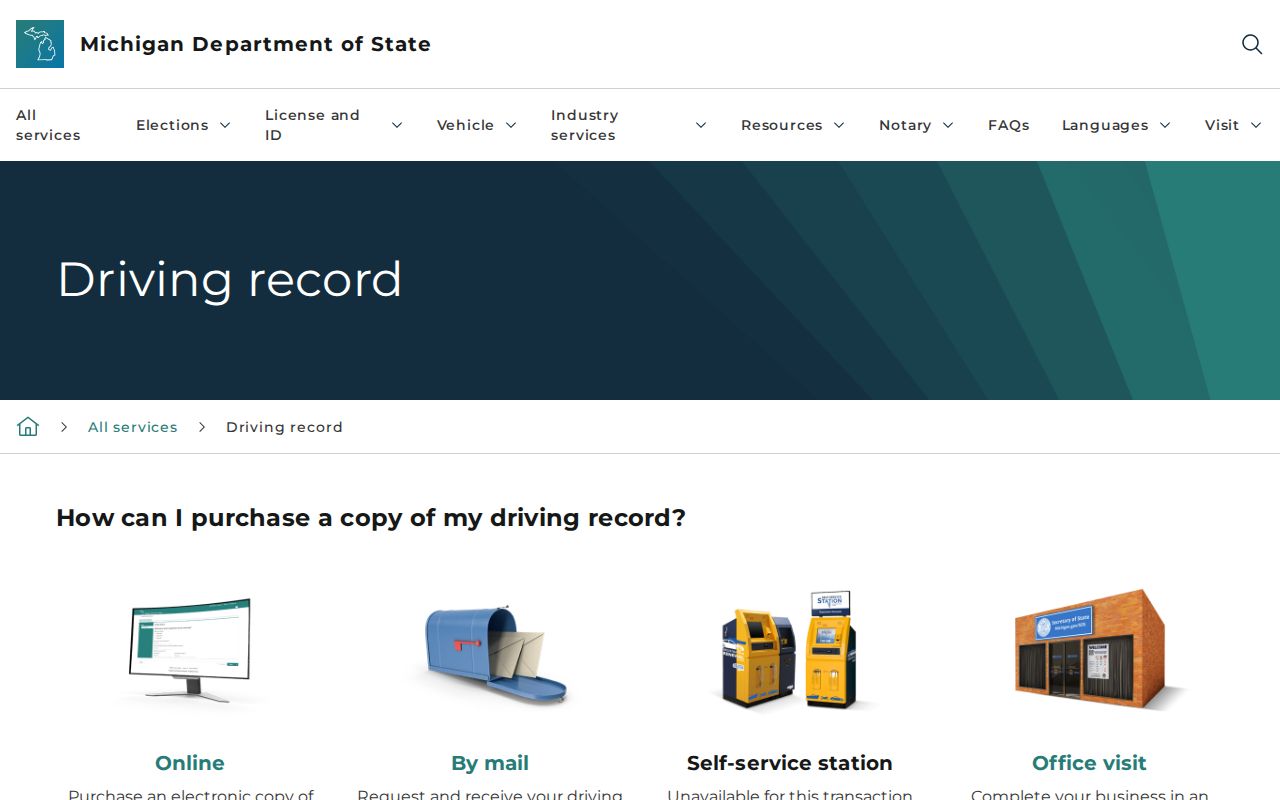
For a case event, court date, court order, or local receipt, the Oscoda County traffic court record is still the place to look.
The official Michigan Judicial Institute traffic procedure guide also explains how the court reports to the Secretary of State.
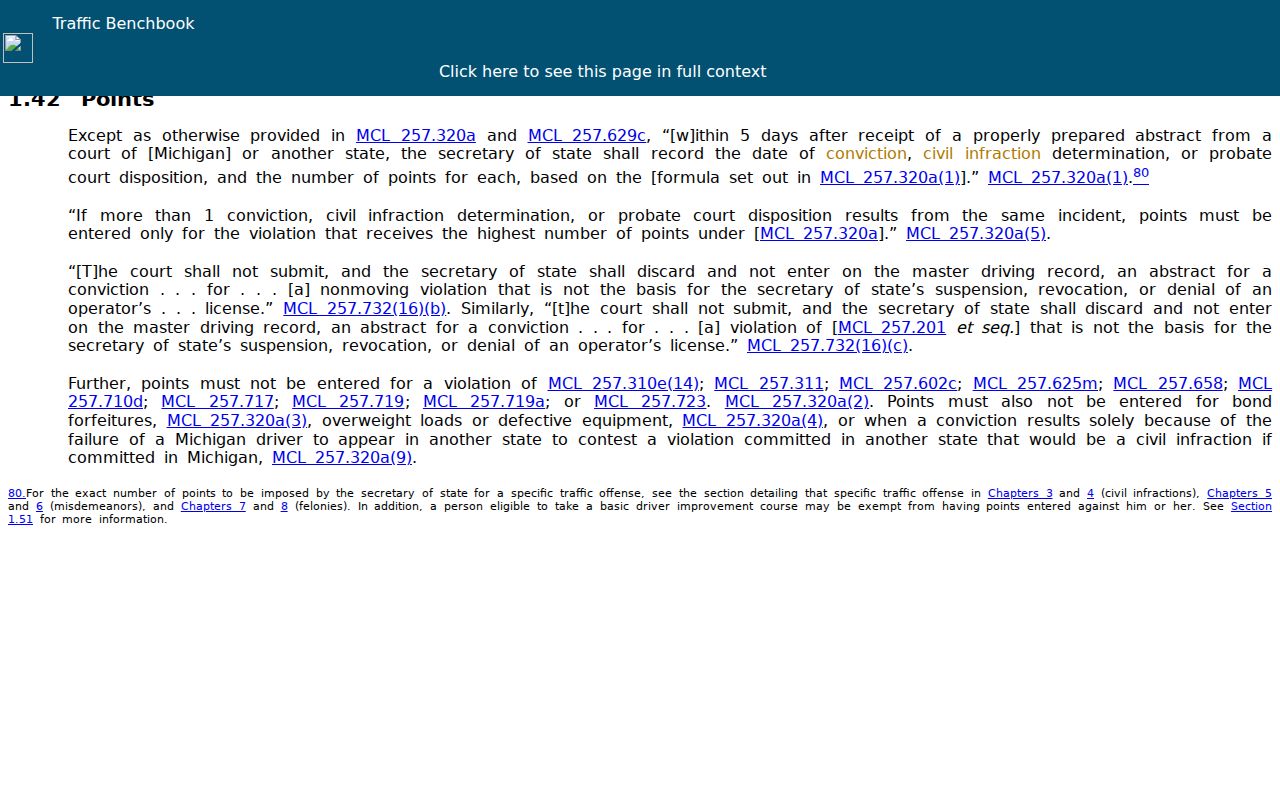
That statewide explanation changes nothing about which office holds the underlying Oscoda County traffic court record.
Fees and Copies
Copies and searches are priced differently. The Oscoda County court FAQ separates a staff-created written search from copies of material you have already identified. MiCOURT public case history is free to read. It is not an official certified copy, though. Ask 81st District Court, or whichever court holds the file, to confirm the copy type, the fee, and the payment method before you send a request.
| Oscoda County court-record item | Published fee | Note |
|---|---|---|
| Record search requiring staff to create or compile a written record | $10.00 | Use when the court must create the written search result. |
| Plain filed document or register of actions | $1.00 per page | Useful for an identified traffic docket history or ordinary document. |
| Certified conviction, judgment, or other filed document | $10.00 plus $1.00 per page | Confirm that the requested court holds the document before paying. |
Oscoda County Traffic Case Missing From MiCOURT
Start with the basics. Check the citation, the spelling, the court selection, and the case type. A brand-new case can be missing from an online result, and a public result may leave out a document image or a restricted item. If the citation or notice names 81st District Court, call 989-826-1105 or 989-826-1106 about case status. For a document, a fuller history, or a written request, use the official Oscoda County Trial Courts NextRequest portal.
Include the court, the citation or case number, the party name, the date range, and the exact record you want. The request form has fields for case number and party name, plus a date-of-birth field for a party when the case is unknown. Give only the identifying details the official process asks for.
Oscoda County Traffic Default Notice and 14-Day Window
Missed a deadline? MCR 4.101 provides a motion-to-set-aside process after notice of default, with a 14-day window after notice to file that motion. The date printed on the actual notice is what matters. Never calculate the deadline from a general web page alone. When a notice, a default entry, or a hearing status is unclear, contact the District Court right away.
The official Michigan misdemeanor-traffic procedure material gives the statewide notice and response context.
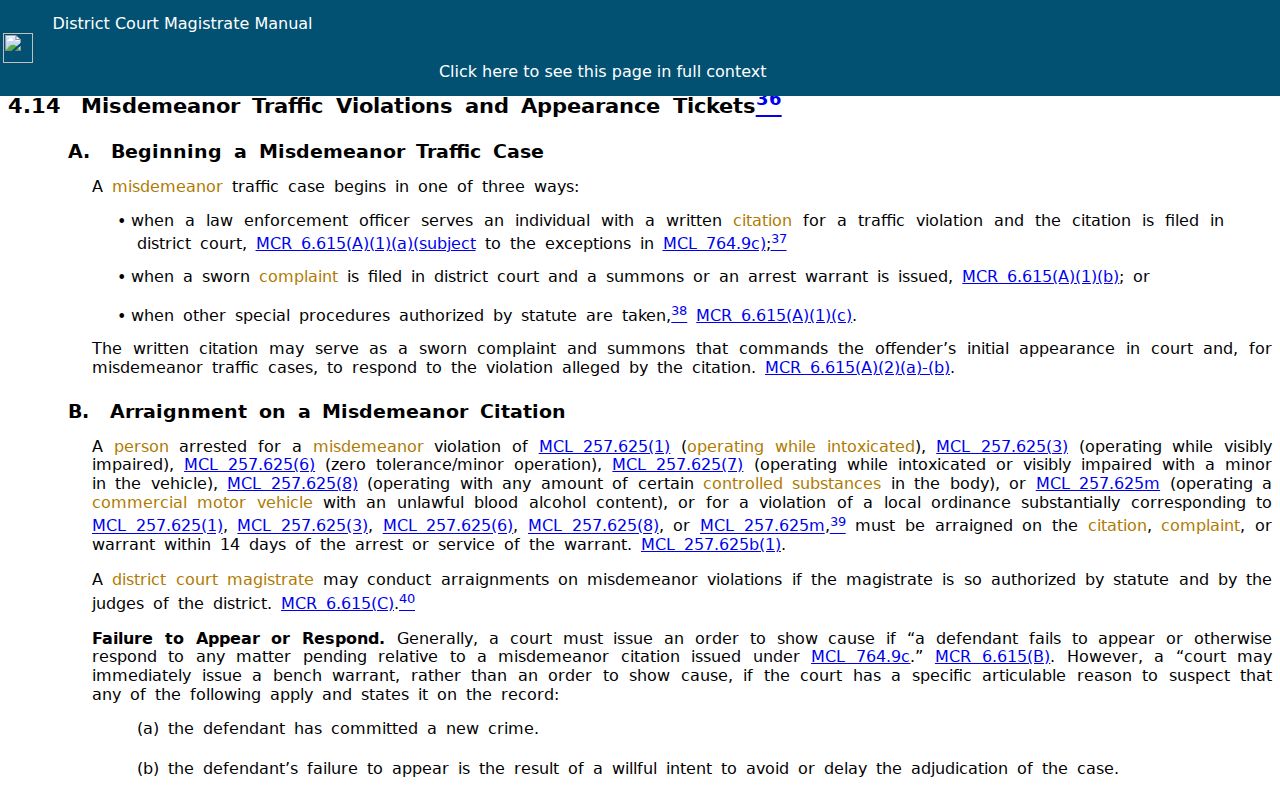
That statewide material covers procedure only. It creates no separate local deferred-disposition program and no county-specific default schedule.
Oscoda County Traffic Charge Changes Need a Chronological Read
An Oscoda County traffic case rarely ends where it began. A charge listed on the citation can be amended, reduced, or dismissed before the docket closes. One count may resolve one way. Another count in the same case can resolve differently. So a bare case status or an amount due tells you almost nothing about charge-level results. The ticket or citation field points back to the originating matter. The charge details, plus later docket entries, tell you what actually happened in Oscoda County court.
Read chronologically. Start with the citation. Then the filing or notice, then the response and event setting. Follow any motion or adjournment, each charge-level disposition, and finally the case-level result. When the exact wording of a judgment, order, or amendment matters, request the filed document from the court. Do not trust the short online entry alone.